Trusted by 200+ businesses across the Americas, including Agropecuaria Internacional




Supply chain quoting
Quote in Seconds. Standardize Item Data. Follow Up Automatically.
At a glance
Built for supply chain
Osmos helps supply chain and distribution businesses respond faster, create consistent quotes, and keep every opportunity organized—without spreadsheets, forgotten follow-ups, or messy quoting processes.
What you can do with Osmos:
Create more than one
SKUs, descriptions, pricing, images, costs
Lead times, MOQ, Incoterms, packaging, freight notes
Email, or PDF
Keep a clear pipeline
Into sales orders and invoices
The cost of manual quoting
Supply chain businesses lose time and margin when:
Quotes take too long because item data is scattered
Pricing and product descriptions aren't standardized
Clients ask for revisions and you rebuild the quote manually
Follow-ups are inconsistent, so deals go cold
You can't clearly see what's pending, revised, won, or lost
Sales reps quote different terms, lead times, or packaging details
Osmos turns quoting into a repeatable system.
What it really costs
Osmos centralizes your catalog, team and follow-up so you respond faster — teams that used to quote in around 30 minutes drop to about 5 — and capture more of that demand. See how Osmos compares to other tools on our comparisons page.
Supply chain platform
Osmos is quoting and sales follow-up software built for supply chain and distribution businesses that manage catalogs, SKUs, pricing, and frequent quote revisions. You can design quote templates inside Osmos (based on what you use today or from scratch), build a structured product catalog, and generate quotes quickly with consistent item data.
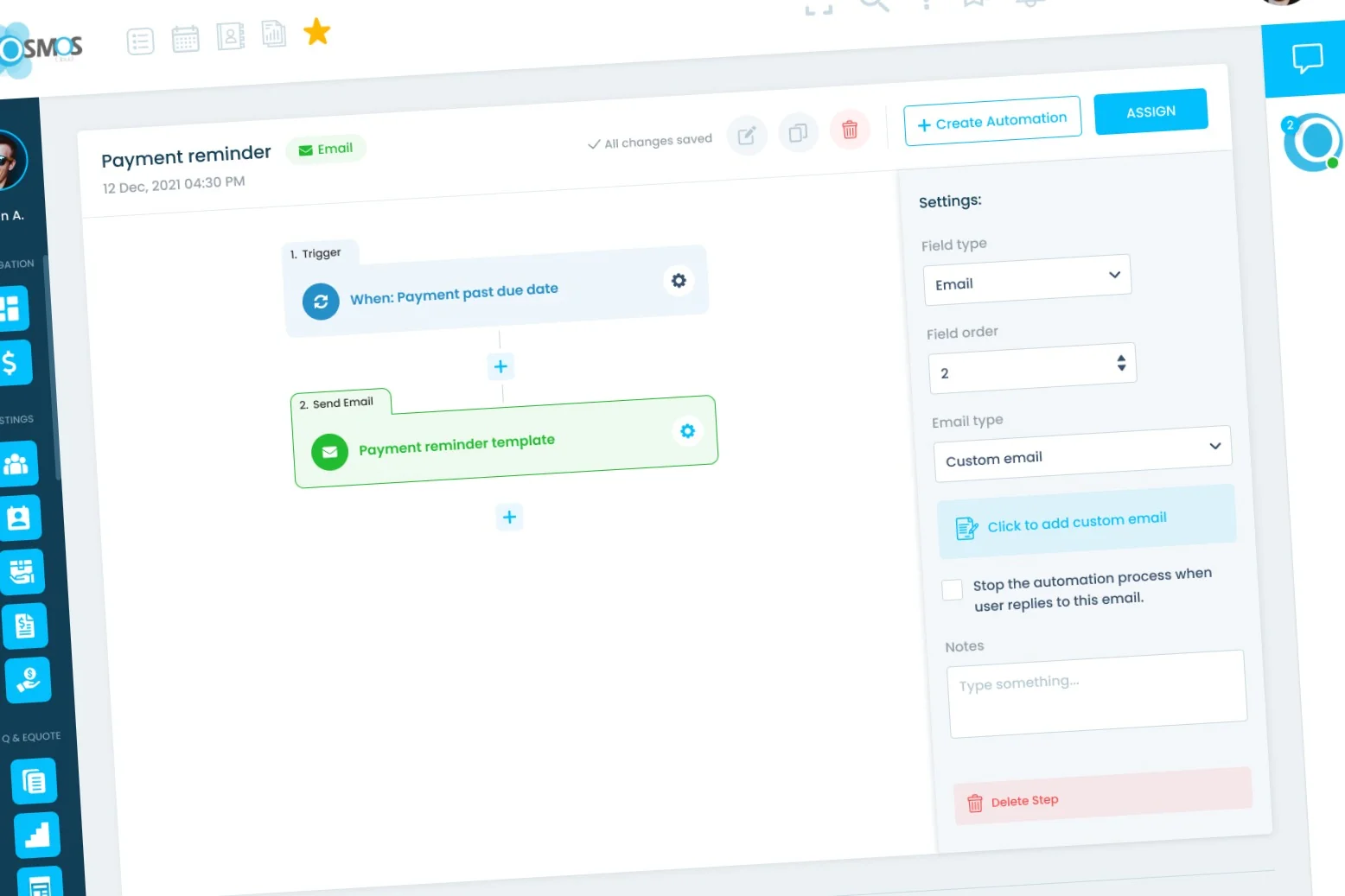
Osmos also helps you follow up automatically and track every opportunity in one pipeline. If your process needs it, you can convert approved quotes into sales orders and generate invoices—but those are optional.
Fit check
Osmos is ideal for:
Industrial, electrical, plumbing, HVAC, safety
Selling B2B through reps or inside sales
Managing multi-SKU quotes
Quoting by lists and project specs
Large catalogs and frequent reorders
Standard items and recurring accounts
If your team creates quotes daily and manages lots of items, Osmos fits.
Standardize your catalog, create templates, and start sending quotes in seconds.
30-day trial • No credit card required • Full support included
Inside Osmos
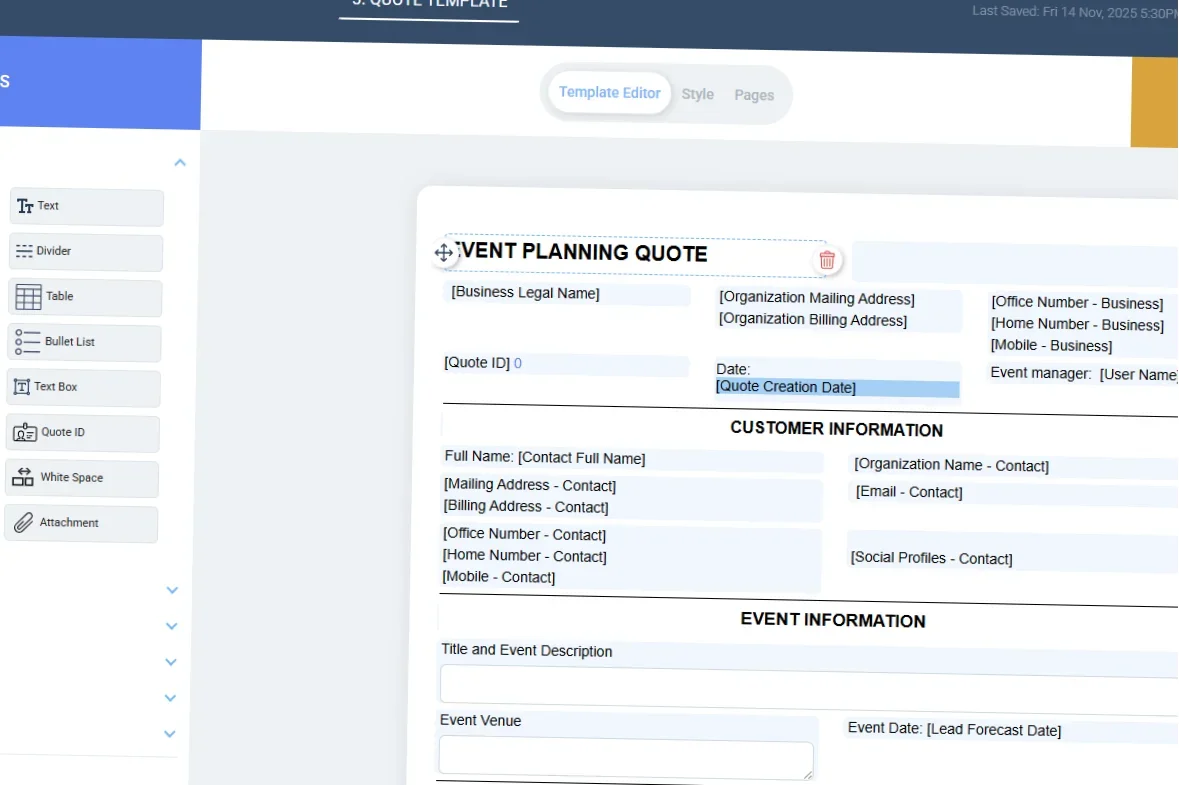
Create templates for different quoting situations:
Include what supply chain buyers expect: Product tables, part numbers, specs, lead time notes, freight terms, payment terms, and validity period.
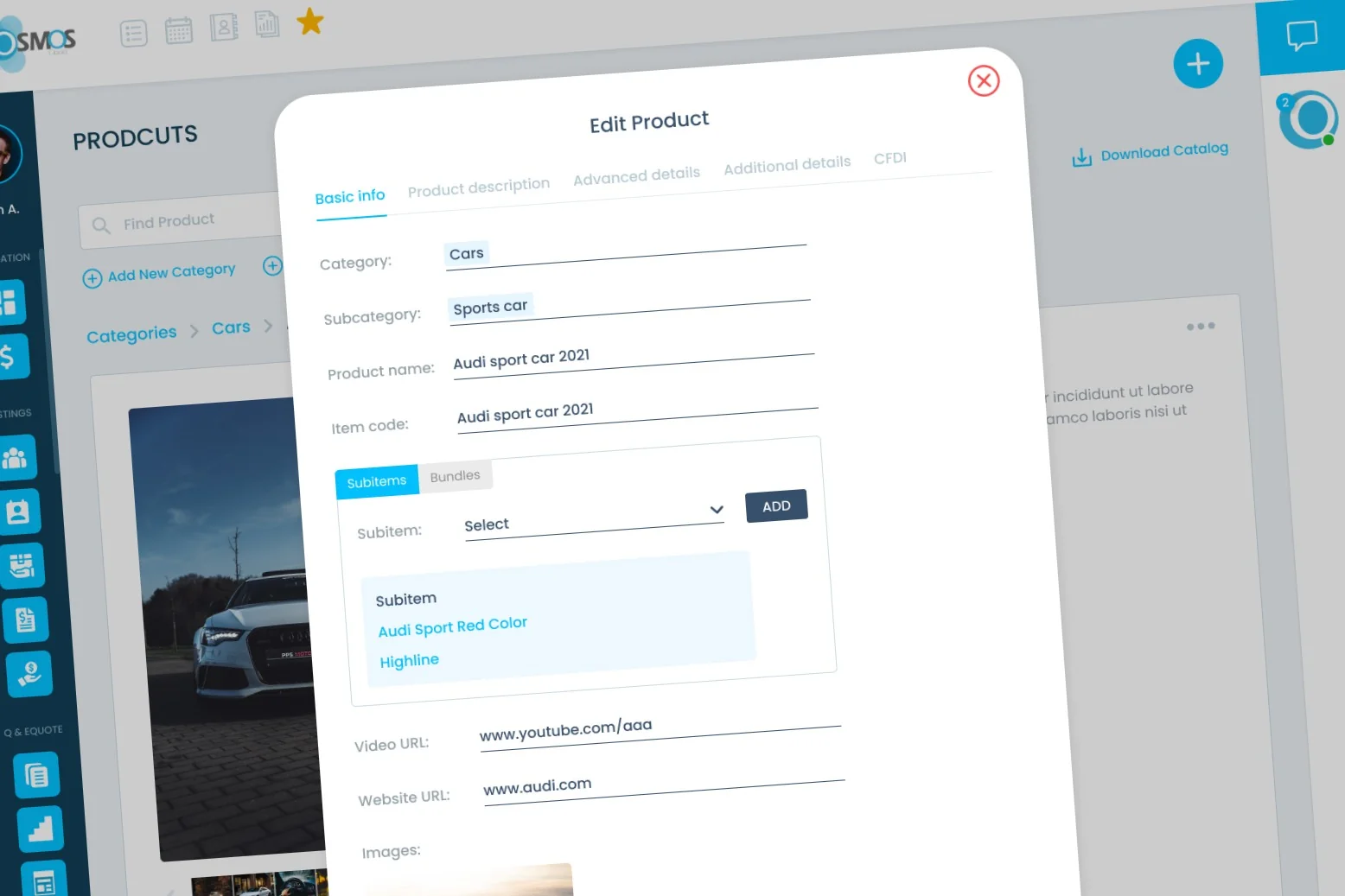
Centralize your item data so reps stop searching spreadsheets:
Osmos helps you structure quotes so revisions are easier: Add items quickly from the catalog, use custom fields (MOQ, lead time, origin, warranty, packaging), and keep quote formatting consistent across reps.
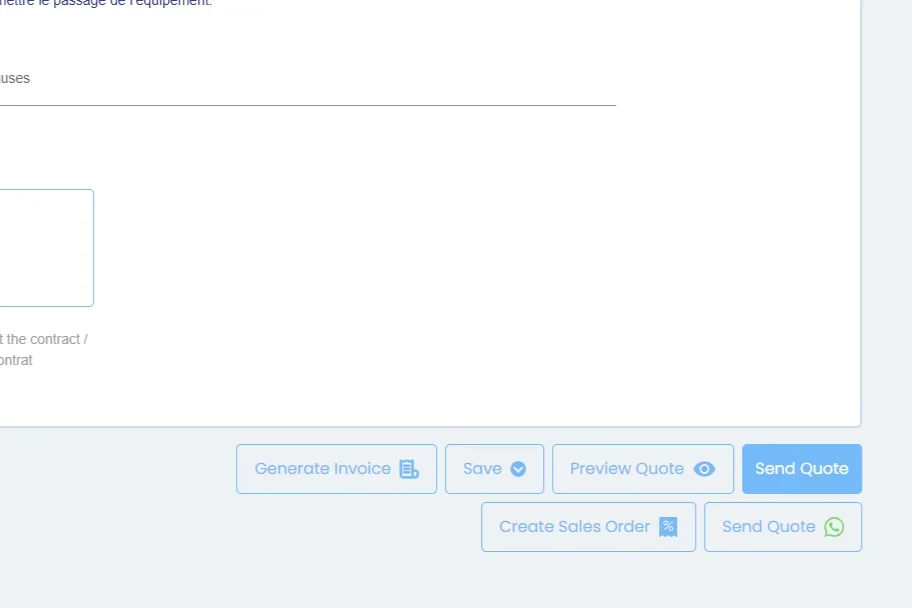
Send quotes by WhatsApp, email, or PDF. Reduce turnaround time between request → quote → approval.
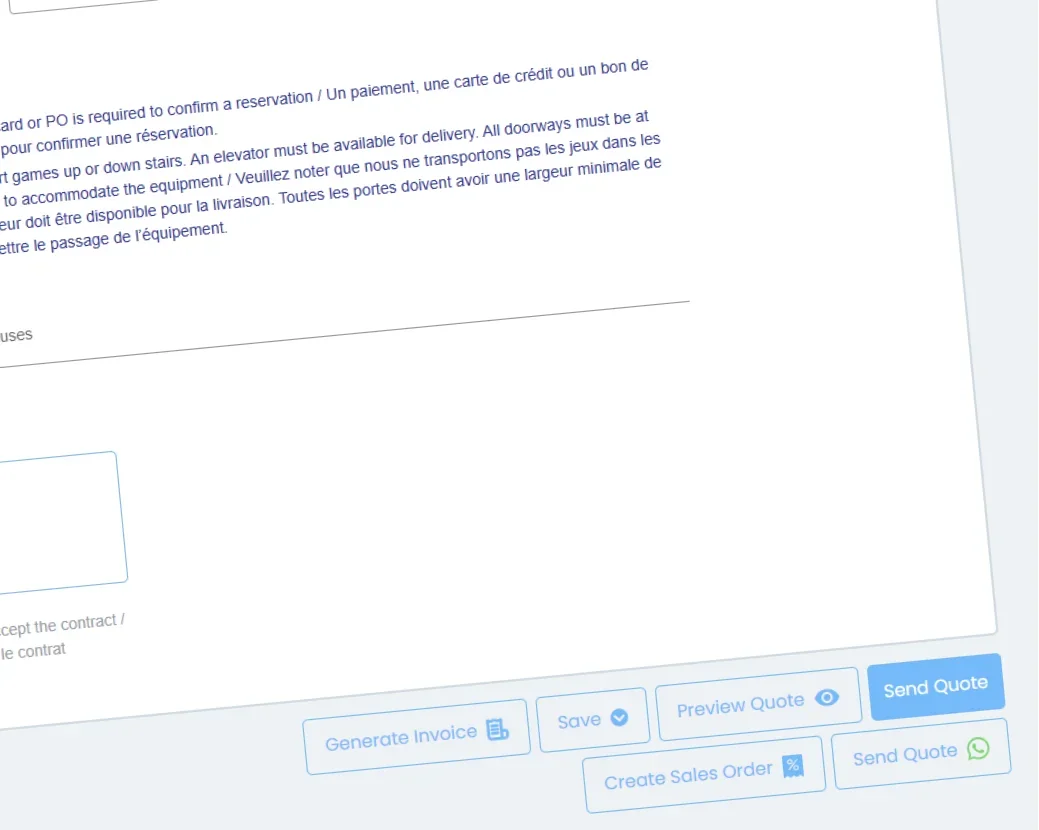
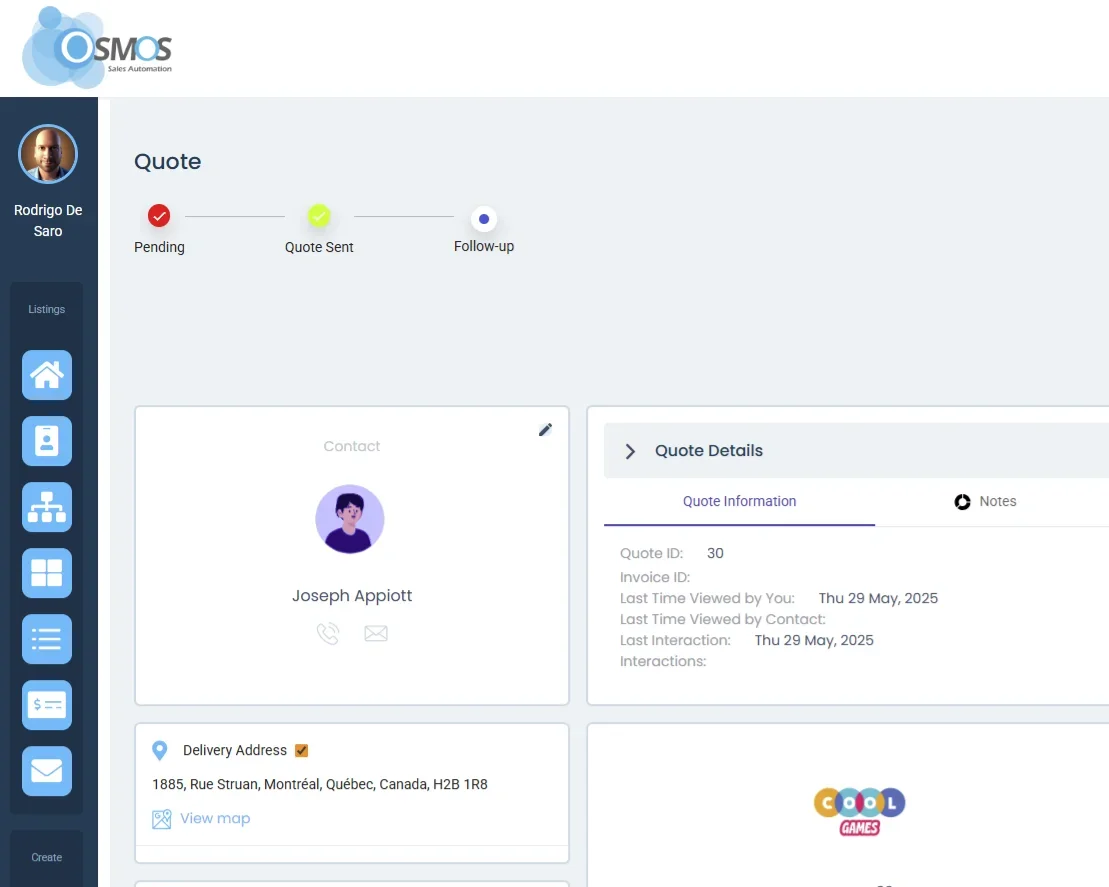
If your workflow requires an order confirmation step:
Real-world scenarios
Getting started
SKUs, descriptions, pricing, custom fields
Customer stories
I really like the way Osmos creates quotes for me. It helps me keep a standard and neat presentation toward my clients.
What I like about Osmos is that it combines the CRM with the quotes in a seamless manner.
Comparison
| Feature | Excel / Sheets | Generic CRM | Osmos |
|---|---|---|---|
| Catalog-based quoting with SKUs | ⚠️ | ⚠️ | ✅ |
| Multiple quote templates | ⚠️ | ⚠️ | ✅ |
| Standardized item info across reps | ❌ | ⚠️ | ✅ |
| Send by WhatsApp/email/PDF | ⚠️ | ⚠️ | ✅ |
| Follow-up automation | ❌ | ✅ | ✅ |
| Clear pipeline of opportunities | ❌ | ✅ | ✅ |
| Sales orders & invoices | ❌ | ✅ | ✅ (optional) |
Questions
Yes. You can create multiple templates inside Osmos.
Yes. Osmos includes a catalog where you can store structured item data.
Yes. You can use custom fields to capture supply chain-specific details.
Yes. You can send quotes by WhatsApp as part of your quoting workflow.
No. They're optional.
Get started
Standardize your catalog, create templates, and start sending quotes in seconds.
30-day trial • No credit card required • Full support included