
One of the biggest challenges small businesses face is growth — getting more customers, winning more market share, and turning more conversations into revenue. A CRM helps you organize prospects, automate follow-up, and keep your sales process moving. For B2B teams that send a high volume of quotes, that last part matters more than most CRM comparison guides admit: a tool that tracks contacts but can't connect to your quoting workflow creates a gap that costs deals.
A good CRM should let you build solid customer relationships, collect and analyze data without extra overhead, and support your outreach and follow-up automatically. According to Capterra, 65% of businesses were using a CRM by 2021, up from just 12% in 2008. And according to Forbes, the CRM market is on track to reach $120 billion by 2027.
There are dozens of options. Here are six that are worth your time as a small or mid-sized business, evaluated on features, usability, price, and fit.
1. HubSpot CRM
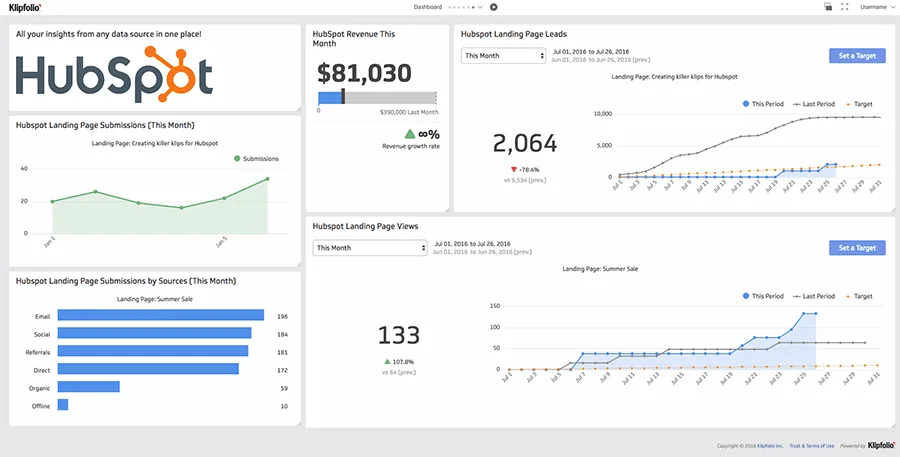
HubSpot CRM is one of the most accessible options for small businesses that want to get organized without spending anything upfront. It covers lead management, email marketing, deal pipeline tracking, and meeting scheduling — all in one interface that doesn't require technical setup.
Key features
- Clean, beginner-friendly interface
- Live chat with conversational bots
- Email marketing with free templates
- Ticketing and support functions
- Deal pipeline and tracking dashboard
- Meeting and email scheduling
Best for
Small business owners, marketing teams, and sales teams that need a quick start and tight integration between marketing and sales pipelines.
Pricing
HubSpot CRM has a free plan. Paid plans with advanced features start from the Sales Hub.
Verdict
Strong free tier for businesses just getting started. The limitations become noticeable fast if you need advanced automation or reporting — at that point, costs jump significantly.
2. Salesforce CRM
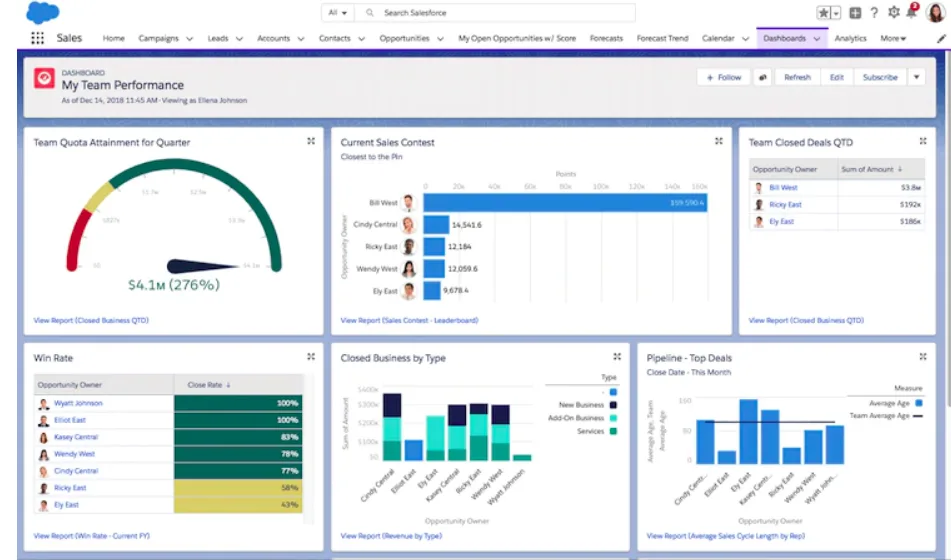
Salesforce is the market leader for a reason. It handles lead management, sales forecasting, e-commerce integration, and deep third-party app connections. The dashboard is fully customizable, and you can configure it around whatever your sales process looks like.
Key features
- Guided account setup
- Email and live chat support
- E-commerce availability
- Sales forecasting
- Third-party app integrations
- Customizable dashboards and reports
Best for
Businesses focused on scaling customer experience and managing complex sales operations.
Pricing
Plans start at $25/month.
Verdict
Powerful, but the learning curve is steep. For small teams without a dedicated admin, Salesforce can feel like more tool than you need — and the cost adds up quickly as you add users and features.
3. Freshworks CRM
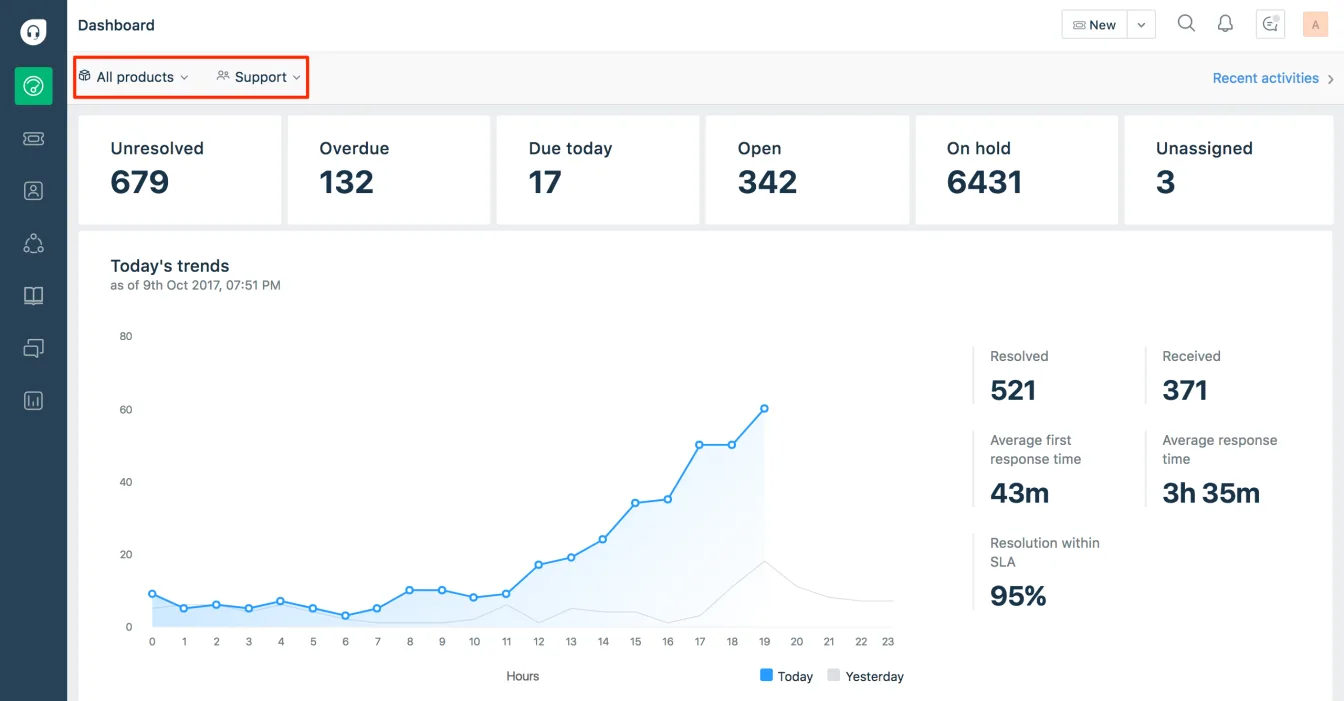
Formerly Freshsales, Freshworks CRM covers the full sales cycle with tools for automation, email integration, lead scoring, and data collection. It includes machine learning features for prioritizing prospects and is popular with SMBs that want a capable tool at a reasonable price.
Key features
- Sales cycle automation
- Quote and order management
- Customization options
- Email integration and scheduling
- Machine learning for lead scoring
- Data collection and reporting
Best for
Teams that want to automate core parts of their sales process without a large implementation effort.
Pricing
Freshworks offers a free tier plus paid plans starting at $12/month, with discounts for annual billing.
Verdict
Solid mid-market option. Some features are clearly built for larger teams, so solo operators or very small businesses may find themselves paying for functionality they don't use.
4. Pipedrive CRM
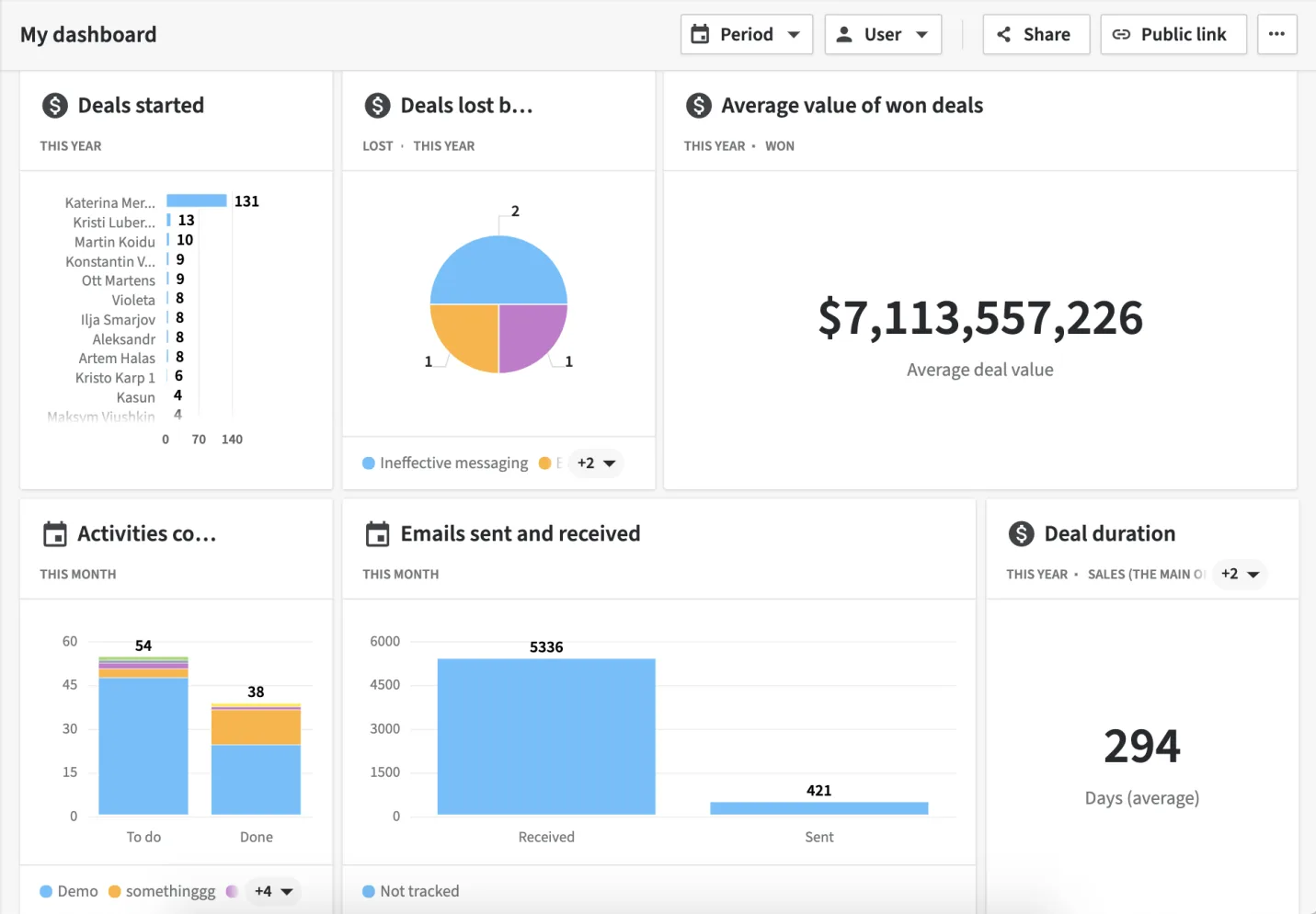
Pipedrive is built around deal management. Its visual pipeline makes it easy to see where every prospect stands, and the platform is fast to learn. It integrates with most popular sales apps and offers solid security with daily backups.
Key features
- Sales reporting and forecasting
- Customizable reports
- Email templates and integration
- Smart contact data
- Clean, intuitive dashboard
Best for
Small businesses that want a visual, deal-focused CRM with straightforward pipeline management.
Pricing
Essential plan starts at $12/month, with discounts on annual plans.
Verdict
Easy to use with 24/7 support and good training resources. No free plan, and it has fewer native features than some competitors — but what it does, it does cleanly.
5. Osmos
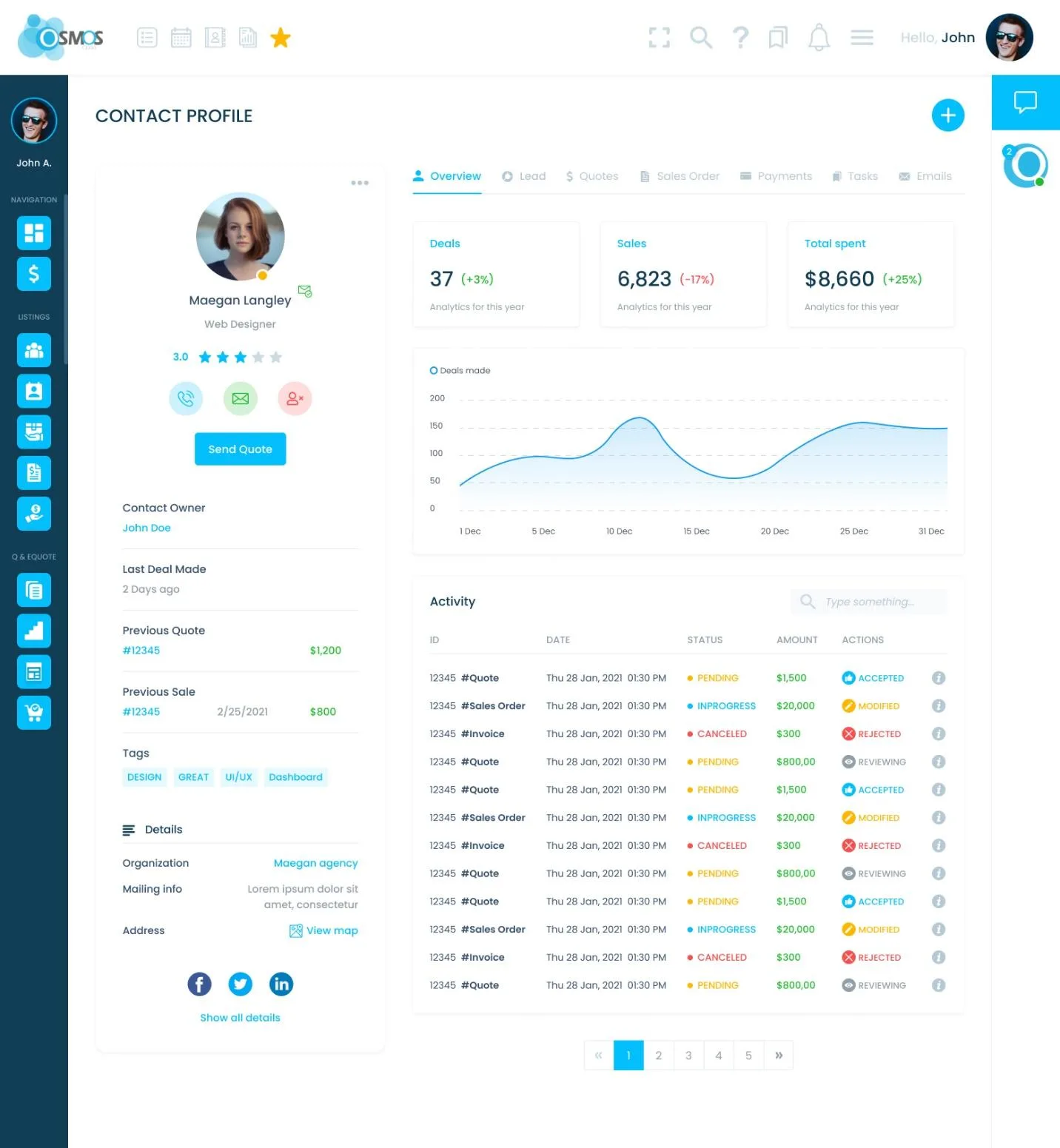
Osmos is built specifically for B2B teams that send a high volume of quotes. Where most CRMs treat quoting as an afterthought (or leave it to integrations), Osmos connects prospect management, quoting, and follow-up in one workflow. You can build and send polished quotes, track deal status, automate sales follow-up, and manage invoices — without switching between tools.
Key features
- Customizable quote templates and electronic quotes (eQuote)
- Clean, user-friendly interface
- Sales and marketing automation
- Advanced customization
- Integrations with popular sales apps
Best for
SMBs that want to automate their full sales cycle — from first contact through quote to payment — in one place.
Pricing
Multiple plans available, including a 30-day free trial. See pricing.
Verdict
If your sales process revolves around quotes and estimates, Osmos does something that general-purpose CRMs don't: it makes quoting a native part of the CRM rather than a bolt-on. For teams that live and die by quote volume, that's a meaningful difference.
6. Zoho CRM
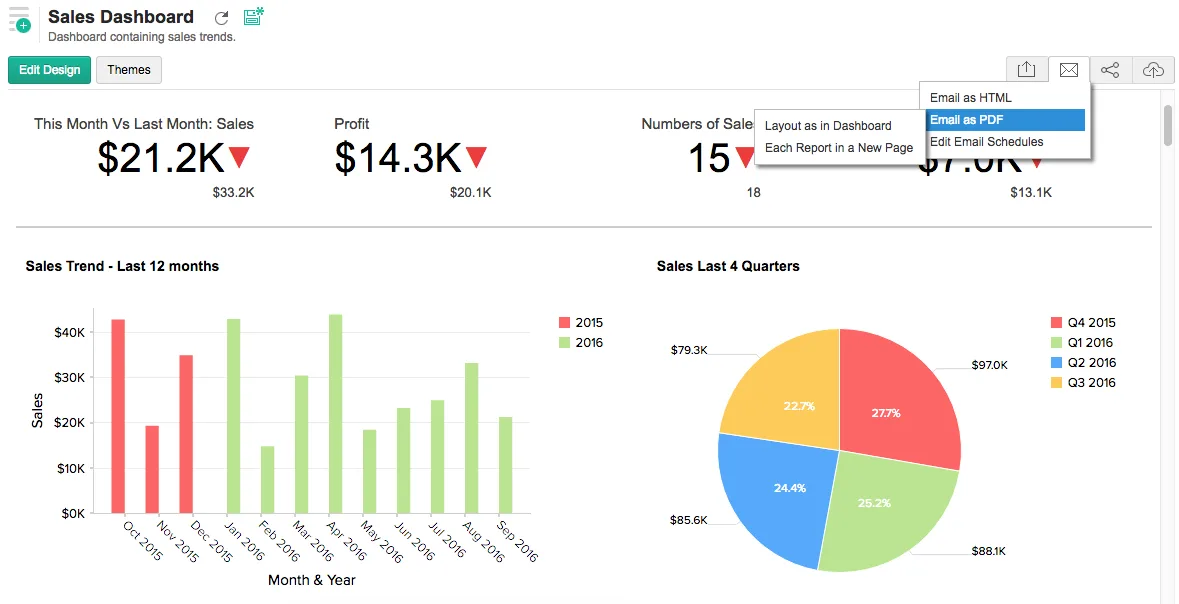
Zoho CRM has been around since 2005 and has grown into one of the more feature-rich options at this price point. It offers real-time performance indicators, social media integration, website visitor tracking, and third-party integrations including QuickBooks.
Key features
- Social media account integration
- Sales forecasting and website visitor tracking
- 24/7 customer support
- Full customization on higher plans
- Sales and marketing automation
- Friendly interface
Best for
Small businesses that want a wide feature set and are comfortable navigating a complex platform.
Pricing
Four paid plans plus a free-forever tier. Paid plans start at $14/month.
Verdict
The breadth of features is impressive, but it can be overwhelming. If you know what you need and are willing to configure it, Zoho delivers strong value. If you want something you can be up and running with in an afternoon, it may not be the best fit.
How to choose
The right CRM depends on your business size, budget, and sales process. Before committing, take advantage of free trials to test whether a tool actually fits how your team works — not just how it's described on a pricing page.
One factor that often gets overlooked in comparisons like this: if quoting is central to how you close deals, a standard CRM will still leave you managing quotes in spreadsheets or a separate tool. For small and mid-sized B2B teams that send a lot of quotes, Osmos closes that gap by combining CRM, quoting, and follow-up automation in a single workflow — so the path from quote request to closed deal is shorter and easier to track.