If you're still sending quotes as Excel attachments, you already know something feels off. Maybe a prospect went quiet after you sent one. Maybe a rep forgot to follow up. Maybe you spent 25 minutes building a quote for a job you didn't even win.
None of that is a discipline problem. It's a system problem. And the system is Excel.
Excel is a great tool for budgets, inventory, and crunching numbers. It was never designed to run a sales workflow. Using it to send quotes is like using a hammer to drive in a screw. You can make it work, but you're fighting the tool the whole time.
Here's what's actually happening when you quote in Excel, and why switching to a real quoting system is less painful than you think.
5 Problems With Quoting in Excel
1. You have no idea what happens after you hit send
You email the quote. Now what? Did the customer open it? Did they forward it to someone else? Are they comparing you to a competitor right now? You have no idea. Excel has no tracking. Once that attachment leaves your outbox, it disappears into a void. You're flying blind on every single deal.
2. Manual errors are baked in
Every time a rep copies a price from one sheet, pastes it into a template, adjusts a quantity, and reformats a cell, there's a chance something breaks. Wrong unit price. Outdated discount. A formula that stopped calculating because someone accidentally overwrote it. These aren't careless mistakes. They're what happens when a manual process runs at volume. If your quoting process is too slow and error-prone, it's the process, not the people.
3. It's slow, and slow costs you deals
The vendor who responds first often wins. That's not a sales cliché; it's just how buyers behave when they have options. If building and sending a quote takes your rep 20 to 30 minutes, you're already behind anyone using a faster system. A faster quoting workflow isn't just about efficiency; it's a competitive advantage. The goal should be to build and send quotes faster than your competitors can even open their spreadsheet.
4. Your quote looks like everyone else's (or worse)
A plain Excel file attached to a generic email is not a great first impression. No logo. No product images. No clean layout. It signals "small operation" before the customer reads a single line item. Your quote is often the first formal document a prospect sees from you. If it looks like something a college intern threw together, that's the brand you're projecting.
5. Follow-ups fall through the cracks
This one kills more deals than anything else. You send the quote, life gets busy, and three days later you still haven't followed up. Or you do follow up, but only because you happened to remember. There's no system nudging you, no automation sending a check-in email, no visibility into which quotes are still open. Manual quoting kills your sales not because the quotes are bad, but because the follow-up is nonexistent.
What a Quoting System Actually Solves

A dedicated quoting system isn't just a prettier version of Excel. It changes the entire workflow.
Quote tracking. You can see when a customer opens a quote, how long they spent on it, and whether they've come back to look again. That information tells you when to call.
Fewer errors. Products, prices, and discounts live in a central catalog. Reps pull from that catalog instead of typing from memory. The math is automatic. The formatting is locked. You stop wasting time on quotes that go out wrong.
Speed. This is the big one. With a proper quoting system, a rep can send a quote in under 60 seconds. Not a rough estimate, but a polished, accurate, line-item quote with images and pricing, sent to the customer in under a minute. Compare that to 20 to 30 minutes in Excel and you can see why this matters if you're sending 100 or more quotes a month.
Professional presentation. Quotes go out with your logo, product photos, clean formatting, and a clear call to action. It looks like you run a real operation, because you do.
Automated follow-up. This is where deals actually get saved. A good quoting system sends follow-up emails automatically based on rules you set. Three days with no response? The system sends a check-in. Still nothing after a week? Another nudge. You don't have to remember. The system handles it, and you stop losing deals in the gap.
If you want to see how Osmos specifically handles this, including the e-quote widget, the quote builder, and the automated sequences, here's what the platform does.
What to Look For When Choosing Quoting Software
Not all quoting tools are built the same. A few things worth checking before you commit:
It should be built for quotes, not proposals. Tools like PandaDoc are great for narrative proposal documents. If you're a distributor or a product/service business sending line-item quotes, you need something built for that format: images, SKUs, quantities, unit prices. A document editor won't cut it. You can see how Osmos compares to those alternatives if you want a direct breakdown.
It should be fast to learn. If onboarding takes weeks, your reps won't use it. Look for something your team can pick up in a day or two.
It should connect quote creation to follow-up. These two things need to live in the same system. If you're building quotes in one tool and tracking follow-ups in another (or in your head), you've just created a new gap.
It should fit your volume. If you're sending fewer than 20 quotes a month, Excel might genuinely be fine. If you're at 50, 100, or more, the manual process is actively costing you time and deals. That's the threshold where a dedicated quoting system pays for itself fast.
Pricing should be transparent. Some tools charge per user and get expensive quickly. Others, like Osmos, start at $5/month base plus $1 per new contact, so you're not paying for seats you're not using.
The Switching Cost Is Lower Than You Think
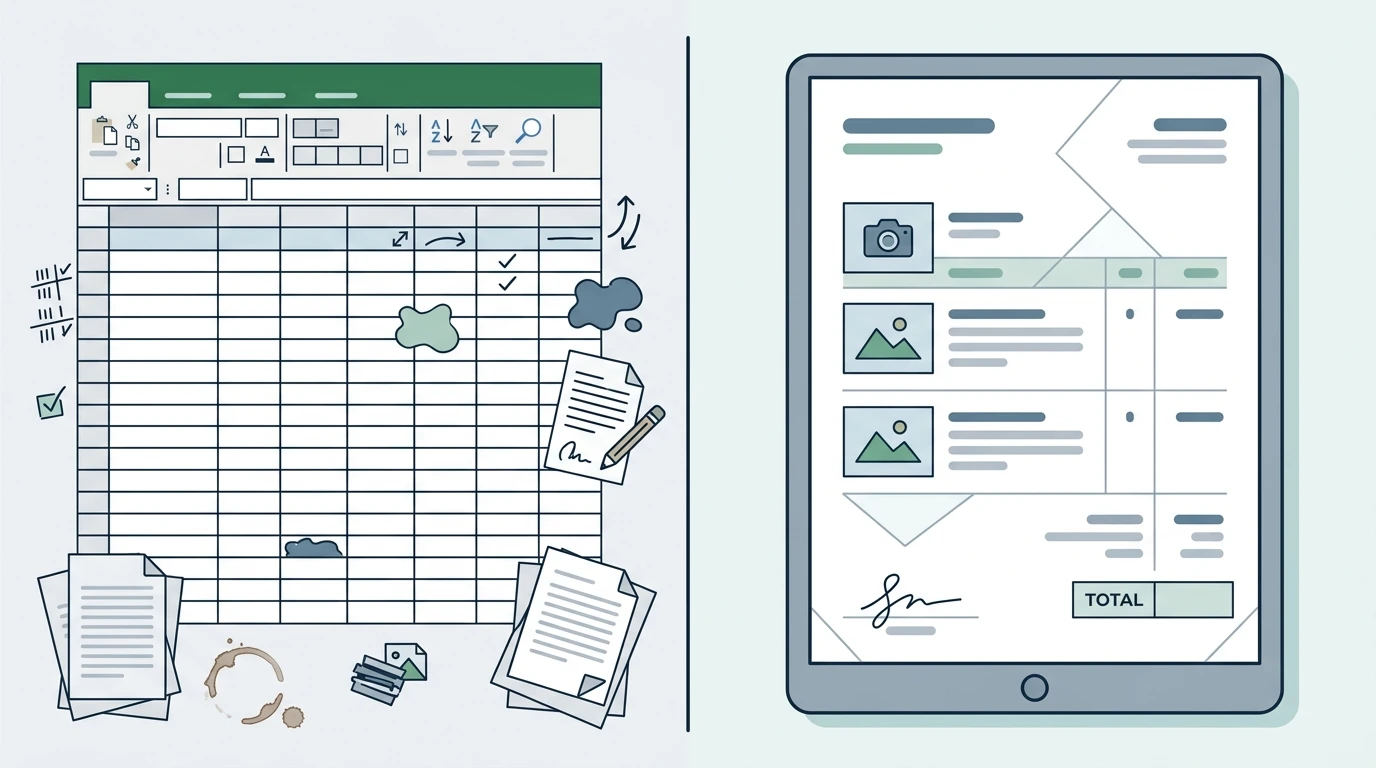
The reason most people stay in Excel isn't that they love it. It's that switching sounds like a project: importing contacts, rebuilding templates, training the team. That fear is usually bigger than the reality.
Most modern quoting tools can have you up and running in an afternoon. Your product catalog goes in once. Your templates get built once. After that, your reps are quoting faster than they ever did in Excel, and you have visibility into every open deal.
If your quoting process is too slow, if follow-ups are inconsistent, or if you're just tired of wondering what happened to that quote you sent two weeks ago, it's time to stop patching the spreadsheet and use a tool that was actually built for this.
Osmos is purpose-built for exactly this workflow. Start a free trial and send your first quote in under 60 seconds.
FAQ
Does Excel actually cost you deals?
Yes, and the follow-up gap is the biggest reason why. Without automated reminders or quote tracking, open quotes get forgotten and prospects move on before you ever check in.
How long does it take to switch from Excel to a quoting system?
Most modern quoting tools can have you running in an afternoon. You load your product catalog and templates once, and after that the setup work is done.
What is the main difference between a quoting tool and a proposal tool?
Proposal tools like PandaDoc are built for narrative documents, while quoting tools are built for line-item formats with SKUs, quantities, unit prices, and product images. If you are a distributor or product-based business, you need the latter.
How do I know when a quoting system is worth the cost?
If you are sending 50 or more quotes a month, the time savings and recovered deals will cover the cost quickly. Below 20 quotes a month, Excel may still be sufficient.
Can a quoting system really send a quote in under 60 seconds?
Yes, because pricing, products, and formatting are already locked in a central catalog. A rep selects the items, confirms the details, and sends without rebuilding anything from scratch.
What should I look for in quoting software besides speed?
Look for built-in follow-up automation, transparent pricing that does not charge per seat, and a short learning curve so your reps actually adopt it within a day or two.